
By message 40, it's forgotten what your business even does.
Marketing questions, customer replies, and your weekly report — all crammed into one endless chat — is why Claude starts feeling unreliable. It's not unreliable. It's overloaded. Here's how to fix that permanently.
This is you if...
Check off however many apply.
You have one giant Claude conversation for your entire business — marketing, ops, everything.
You've had to re-explain your business from scratch in the same chat, more than once.
You've heard of "Claude Projects" but never actually set one up.
You upload a document and just say "summarise this" — and get something generic back.
You want Claude to remember your brand voice without retyping it every time.
You didn't know Claude could turn messy voice notes into clean task lists.
You want a second opinion from AI, not just agreement with whatever you type.
You want 150 ready-made prompts organised the way Claude actually works, not generic ones.
What actually changes
From one overloaded chat to a real system.
- One never-ending chat thread for everything
- Re-explaining your business details over and over
- "Summarise this" prompts that miss what actually matters
- No idea Claude can produce real downloadable documents, not just chat replies
- Separate, focused Projects for Marketing, Ops, Customer Service
- Standing instructions Claude remembers automatically
- 150 prompts using Claude's real features — Projects, Artifacts, file uploads
- A 6-part prompt formula built specifically around how Claude works
Look inside
Two real prompts, exactly as they appear in the guide.
This is prompt #11 in the Getting Started section — no typing your to-do list required.
One idea. One paragraph. It's the difference between Claude forgetting your business and Claude actually knowing it.
What's inside
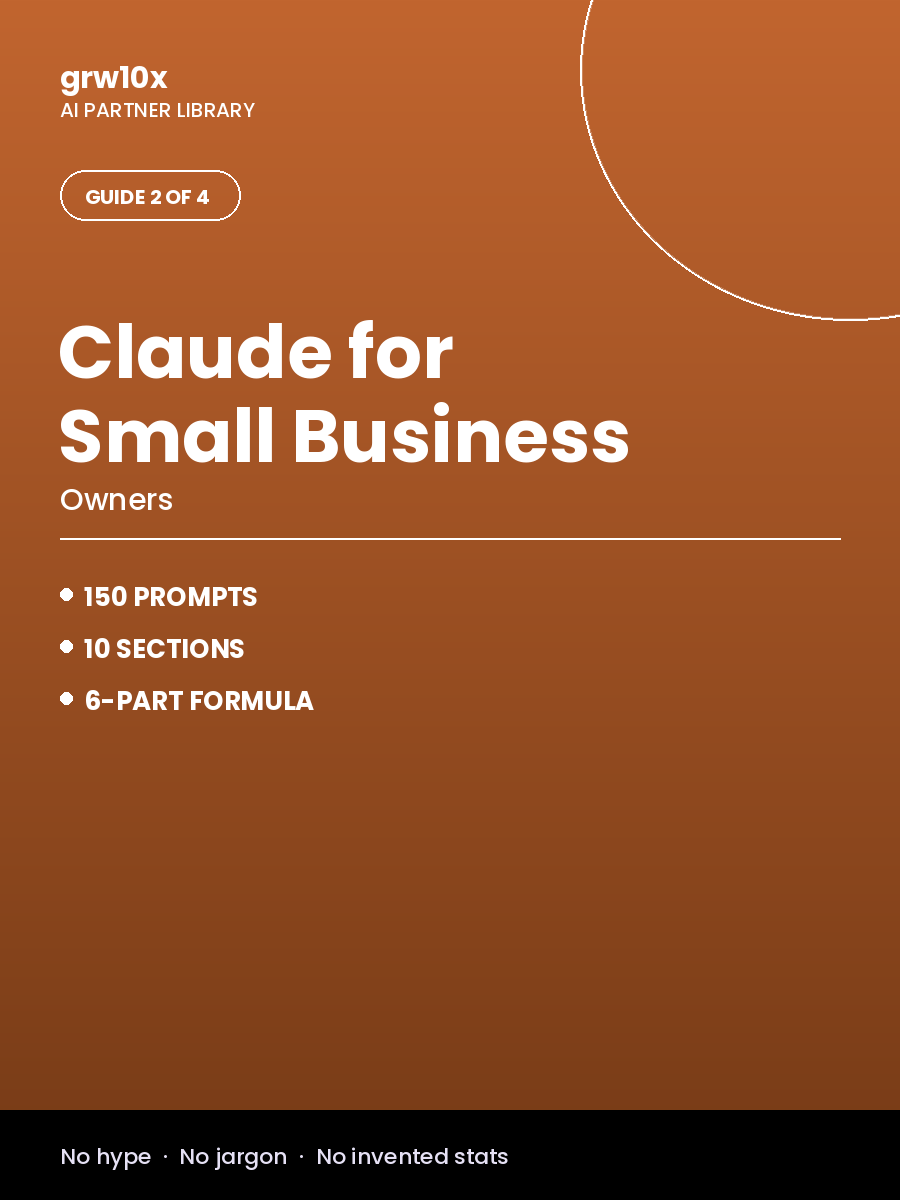
150 prompts across 10 sections, plus the practical basics.
Getting Started with Claude
Marketing & Content Creation
Customer Service & Communication
Sales & Proposals
Operations & Admin
Finance & Numbers
Hiring & Team
Strategy & Growth
Social Media & Personal Branding
Productivity, Learning & Career Growth
Why this isn't a ₹49 prompt pack
This isn't a generic list adapted for Claude.
Every prompt and workflow here is built around how Claude actually works — Projects, file uploads, Artifacts — not generic advice with "Claude" swapped in for "ChatGPT."
Questions
Before you buy
I use ChatGPT, not Claude. Is this still useful?
The prompt-writing principles carry over, but the workspace features (Projects, Artifacts) are specific to Claude. If you're not using Claude, the 500 AI Prompts guide is the better starting point.
What's the difference between this and the 500 Prompts guide?
500 Prompts is broad and platform-agnostic. This guide is Claude-specific — it teaches you Claude's actual tools (Projects, file uploads, Artifacts) with its own separate set of 150 prompts built around them.
Do I need a paid Claude subscription?
Most of what's covered works on Claude's free tier. A few advanced workflows benefit from a paid plan, and the guide tells you which is which as you go.
Is this a Claude/Anthropic product?
No — this is an independent guide created by grw10x. It's not affiliated with, sponsored by, or endorsed by Anthropic.
Stop re-explaining your business every single chat.
Instant download after payment · Lifetime access
Get Claude for Small-Business Owners →Or get all 4 guides in the complete bundle for ₹999 and save ₹2,197.